Telegram Bot Mobile Trading Tips: Thumbs, FOMO, And Fat Fingers
Mobile Telegram bot trading tips: reduce fat-finger errors, notification FOMO, and unsafe public-network habits.
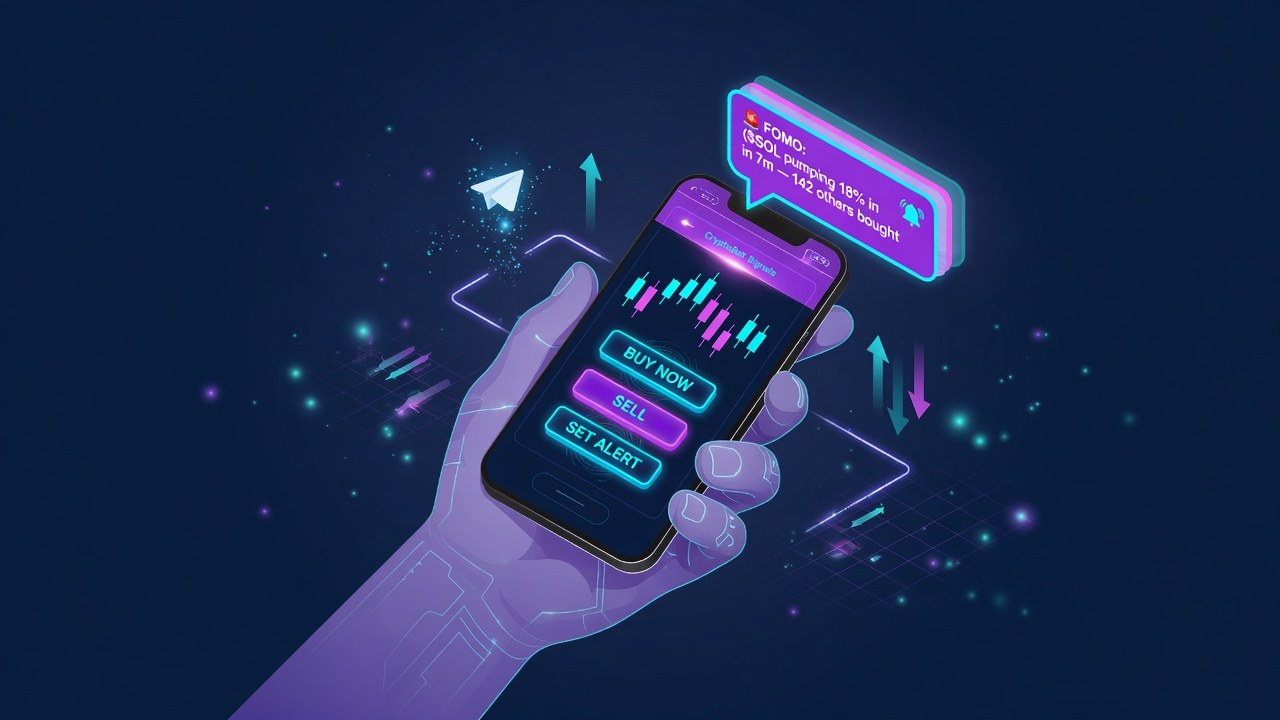
Most Telegram bot volume happens on phones. That means fat-finger size errors, public Wi-Fi risk, and notification FOMO.
This guide is for traders who execute almost entirely on phones. It is not financial advice and it does not promise profits.
What You Are Actually Using
Most Telegram bot volume happens on phones. That means fat-finger size errors, public Wi-Fi risk, and notification FOMO.
Match tools to the job first, then compare products on TGBot rankings.
Practical Steps
- Double-check size before confirm
- Use biometric lock on the phone
- Avoid sensitive actions on public Wi-Fi
- Mute nonessential channels during focus windows
- Prefer presets you tested at a desk first
Main Risks
- Wrong size taps
- Shoulder surfing
- Push alert addiction
- Battery-dead mid-manage
Common Mistakes
- Trading while distracted in transit
- No screen lock
- Max button near confirm
- Sleep with alerts full volume forever
How TGBot Fits
Shortlist on rankings. Review security checklist before you fund unknown tools.
Scores and categories are research aids. Your tests and size rules decide outcomes.
Bottom Line
telegram bot mobile trading workflows only work as well as your security habits, fee awareness, and risk limits. Start small, verify official links, and scale only after a clean micro test.
FAQ
- Is mobile trading on Telegram bots OK?
- Yes if defaults and checks are tight.
- How do I prevent fat-finger buys?
- Presets, confirm steps, smaller default sizes.
- Public Wi-Fi?
- Risky for accounts; prefer trusted networks for sensitive actions.
- Desktop ever?
- Useful for deeper research and settings changes.
Not financial advice. Crypto trading can lose money. TGBot rankings are research aids, not guarantees. Always verify official bot links and never share your seed phrase.