Telegram Bot API Permissions: Least Privilege For Exchange Keys
Least privilege API permissions for Telegram trading bots on exchanges: what to enable, what to forbid, and rotation habits.
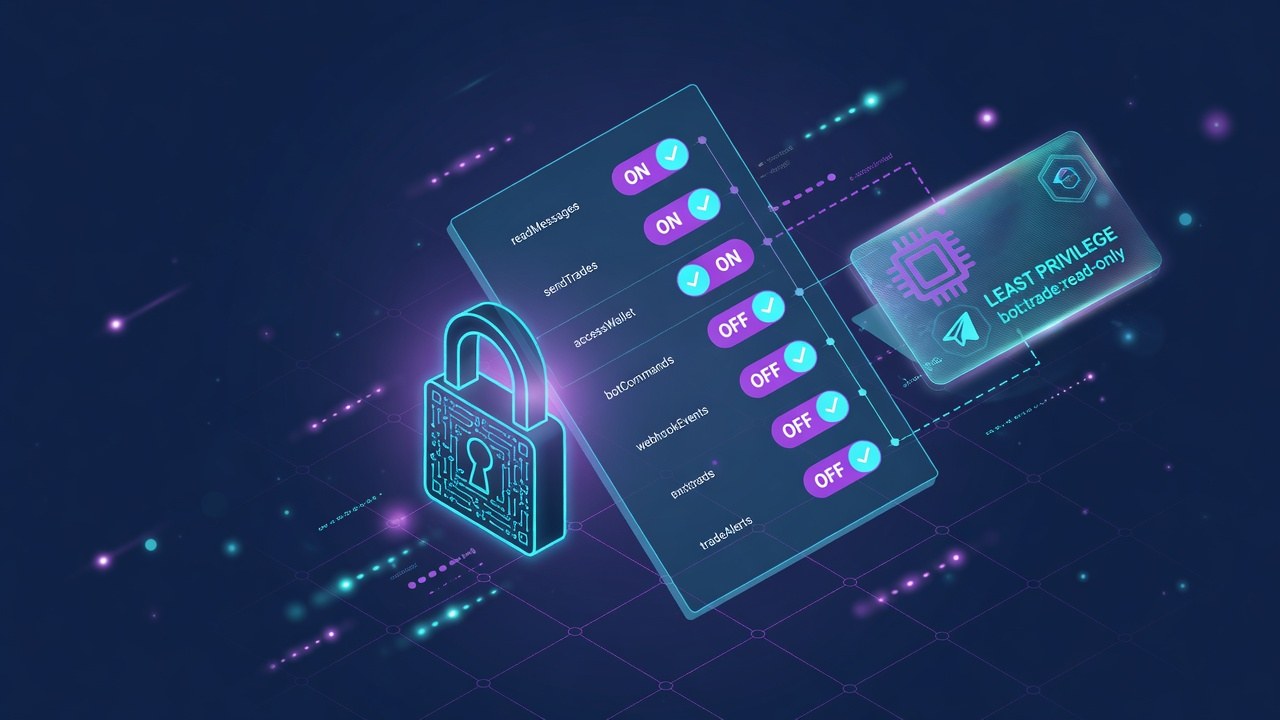
API permissions decide blast radius. Trade-only beats trade plus withdraw. IP binds beat open keys. Short-lived keys beat forgotten eternal keys.
This guide is for CEX users connecting Telegram bots via API. It is not financial advice and it does not promise profits.
What You Are Actually Using
API permissions decide blast radius. Trade-only beats trade plus withdraw. IP binds beat open keys. Short-lived keys beat forgotten eternal keys.
Match tools to the job first, then compare products on TGBot rankings.
Practical Steps
- Create a unique key per bot
- Disable withdraw
- Restrict IP when possible
- Label keys with purpose and date
- Delete unused keys monthly
Main Risks
- Over-permissioned keys
- Key leaks via phishing
- Shared keys across tools
- No rotation after changes
Common Mistakes
- Withdraw enabled for convenience
- One master key for everything
- Keys in screenshots
- No 2FA
How TGBot Fits
See security checklist, Binance bot, and Bybit bot.
Scores and categories are research aids. Your tests and size rules decide outcomes.
Bottom Line
telegram bot api permissions workflows only work as well as your security habits, fee awareness, and risk limits. Start small, verify official links, and scale only after a clean micro test.
FAQ
- What API permissions does a Telegram bot need?
- Usually trade and read. Almost never withdraw.
- Should I enable futures automatically?
- Only if you intentionally trade them.
- How often to rotate keys?
- When suspicion arises, after changes, and on a cadence.
- More security steps?
- See the security checklist on TGBot.
Not financial advice. Crypto trading can lose money. TGBot rankings are research aids, not guarantees. Always verify official bot links and never share your seed phrase.