How to Leave a Scam Telegram Group Safely
Learn how to leave a scam telegram group, mute and report it, lock down your wallet links, and avoid follow-up phishing without panic.
Start Here: Exit First, Then Clean Up
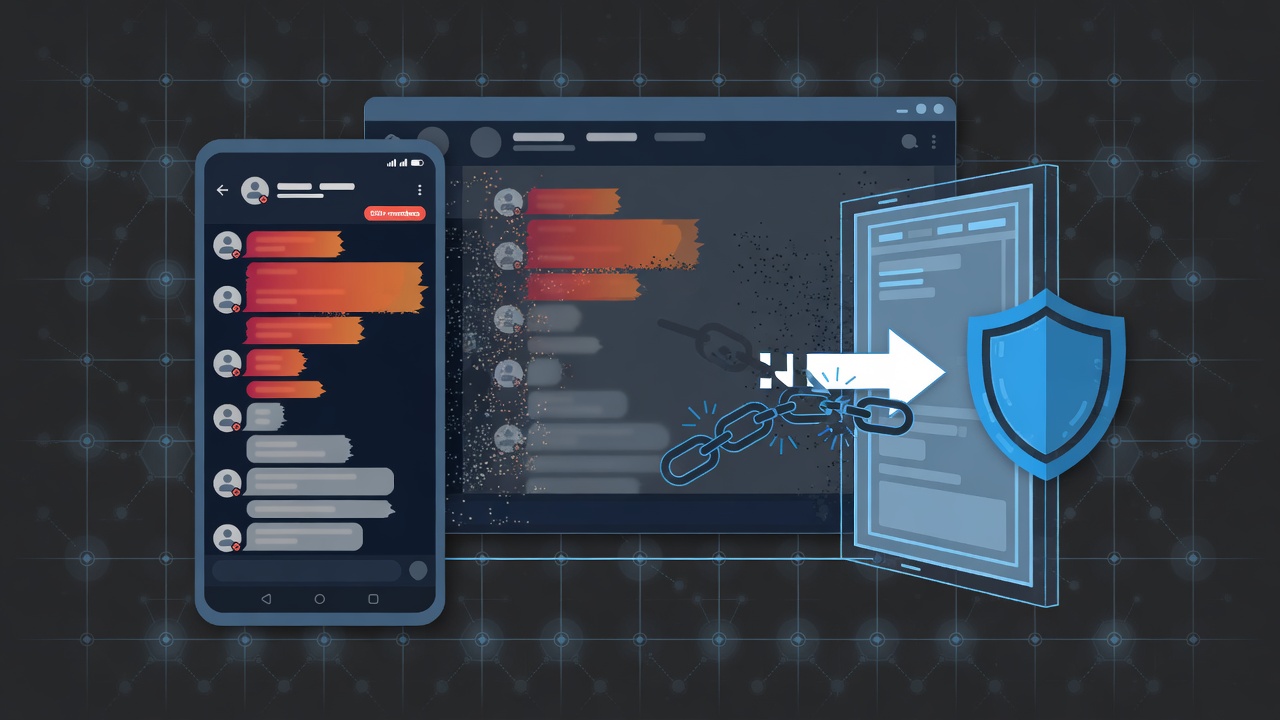
If you need how to leave a scam telegram group without feeding the operators more data, do this in order: leave the chat, clear the noise, revoke anything you connected, then harden Telegram so the next invite dies on arrival. Speed matters more than clever replies. Do not argue with admins. Do not click "support" links that appear after you push back. Exit, then secure.
This guide is educational. It is not financial advice. Trading and on-chain activity involve risk of loss. Nothing here promises recovery of funds already sent.
Spot the Trap Before You Panic
Scam Telegram groups rarely look cartoon-evil. They often mimic legit trading desks, call channels, airdrop hubs, or "VIP sniper" rooms. Common tells:
- Pressure to deposit, bridge, or "verify wallet" on a site that is not an official product page you already trust.
- Admins who DM first after you ask a basic question.
- Fake screenshots of wins, identical shill messages from many accounts, and bans for skepticism.
- "Support" bots that ask for seed phrases, exported keys, or remote desktop.
- Urgent countdowns tied to a private sale, whitelist, or recovery of "stuck" funds.
If money already moved, treat the group as hostile infrastructure. Leaving does not reverse a transfer. Your job is containment: stop further loss and stop social engineering.
How to Leave a Scam Telegram Group on Phone and Desktop
Use the official Telegram apps. Third-party clients and random "cleaner" bots can make things worse.
On Mobile (iOS or Android)
- Open the group or channel.
- Tap the name at the top to open profile/info.
- Choose Leave (groups) or Leave channel / unfollow as labeled.
- If offered, confirm you also want to delete the chat from your list.
- Do not rejoin from old invite links in other chats.
On Desktop (Telegram Desktop or Web)
- Open the group.
- Click the group name header.
- Use Leave / Leave channel.
- Delete the local history if you want a cleaner sidebar.
If Leave Is Hidden or You Were Restricted
Some rooms restrict members. You can still often leave from the same info panel. If the UI is broken or the chat is a weird bot thread:
- Archive the chat, mute forever, then leave from chat info when available.
- On mobile, try long-press the chat in the main list for leave/delete options.
- Update Telegram, then retry. Scam rooms sometimes rely on older UI confusion, not true locks.
Leaving stops new messages in that chat. It does not stop admins who already saved your username from DMing you elsewhere.
Mute, Block, and Report Without Engaging
After you leave:
- Mute any related channels, topics, or linked discussion groups at max duration, no exceptions.
- Block accounts that DM you about the same "opportunity," recovery, or "compliance check."
- Use Telegram Report on the group (scam / fake / fraud categories as they fit) and on phishing DMs.
- Clear the chat from your list so you do not reopen old media by habit.
Reporting is not a guarantee Telegram removes the room instantly. It is still worth doing. Do not send the scammers a goodbye essay. Silence is a feature.
Kill Follow-On Vectors Scammers Expect
Most damage after a scam group is not the group chat itself. It is the residual paths:
Invite Links and Forwarded Messages
- Delete or ignore old invite links sitting in Saved Messages, other groups, or email.
- Tell friends in plain words if you forwarded the invite: "That room was hostile. Do not join."
- Do not paste the scam link into public chats "as a warning" with the full URL if that only spreads it. Describe the pattern instead.
Fake Support and Recovery
After people leave or lose funds, a second wave often appears: "investigators," "Telegram support," "exchange AML teams," or "white-hat recovery." Real support does not need your seed phrase. Anyone asking for keys, seed, 2FA codes, or remote access is an attacker.
Connected Sites and Bots
If the room pushed a mini app, bot, or connect-wallet flow:
- Open your wallet app and revoke token approvals / connections you do not recognize (chain explorers and wallet revoke tools vary by ecosystem).
- Disconnect active dapp sessions in wallet settings.
- If you typed a seed into any site or bot, that wallet is compromised. Move remaining assets from a new wallet created on clean devices only after you understand the risk. Do not reuse the burned seed.
- Rotate passwords for email tied to exchanges if you reused phrases or clicked login pages from the group.
Sessions and Devices
In Telegram: Settings → Devices (wording may vary slightly by client). Terminate sessions you do not recognize. Turn on 2FA password (cloud password) if it is off. Use a unique, strong password not shared with exchange logins.
Privacy Pass After You Exit
Tighten discovery so the next recruiter works harder:
- Settings → Privacy and Security: restrict who can add you to groups (often Contacts or nobody outside trusted circles).
- Limit Last Seen, Calls, and Forwarded message link exposure as fits your threat model.
- Consider a separate username or account for noisy crypto social, isolated from identity you use for real support tickets.
- Stop auto-joining large rooms from random QR codes at events or in Discord bios without a second check.
Retail reality: good bots and communities exist, and so do industrial scam funnels. Your process should assume every new room is untrusted until proven otherwise by independent channels you already know.
What to Do If You Already Interacted
Use this as a checklist, not a recovery promise.
- Left and muted the scam telegram group and siblings.
- Blocked DM follow-ups; reported phishing.
- Revoked wallet connections and suspicious approvals.
- Assumed compromise if seed or full login was shared; abandoned that wallet identity.
- Documented tx hashes, usernames, bot handles, and URLs for your own records or lawful reports in your jurisdiction.
- Avoided paid "recovery agents" found via search ads or cold DMs. Many are second-stage scams.
- Reviewed bank or card statements only if you used fiat ramps tied to the same mess; contact those providers through official apps, not Telegram.
If the loss is material, seek qualified local guidance. Public group admins are not your legal team.
How This Ties to Telegram Crypto Bot Hygiene
Scam groups love the same attention loop as hype bot lists: urgency, social proof, and "one click" flows. When you later pick tools for sniping, copy trading, or alerts, separate job fit from room energy. Prefer clear permissions, documented fee models, and setups you can reverse. Rankings and checklists beat FOMO invites. If a bot or room demands seed phrases, it is not a trading tool. It is malware with marketing.
For broader bot literacy and category comparisons, use practical resources on tgbot.com and treat every new automation as untrusted until you understand permissions and exit paths.
Quick Reference: Exit Sequence
- Leave the group/channel on official Telegram.
- Mute and delete local chat clutter.
- Block and report related DMs and clones.
- Revoke wallet and bot connections; rotate secrets if exposed.
- Lock privacy settings and unknown device sessions.
- Ignore recovery theater.
- Rebuild habits: verify outside the chat before any connect or deposit.
Conclusion
Knowing how to leave a scam telegram group is basic digital self-defense for anyone hanging around crypto Telegram. Leave first, refuse the argument, then cut wallet, session, and privacy loose ends. You will not always get money back. You can stop the next bleed and make the next fake VIP room less effective. Stay process-heavy, skepticism-first, and allergic to urgency. Not financial advice. Trading involves risk of loss.
Not financial advice. Trading involves risk of loss.
FAQ
- Does leaving a scam Telegram group refund my crypto?
- No. Leaving only stops that chat from messaging you there. On-chain transfers are separate. Focus on containment: revoke approvals, abandon exposed seeds, and ignore recovery DMs.
- Admins can still message me after I leave. What should I do?
- Block them, report the DMs as spam or scam, and tighten privacy so fewer strangers can add you to groups. Do not click links in those follow-ups.
- Should I warn others by pasting the scam invite link?
- Warn with the pattern and handles if needed, but avoid widely reposting live invite URLs that only recruit more victims. Prefer reports inside Telegram and private warnings to people you actually know.
- I connected a wallet through a bot from the group. Am I safe after leaving?
- Not automatically. Leaving does not revoke approvals. Review wallet connections and token allowances on the relevant chain, disconnect sessions, and if you shared a seed, move to a new wallet created safely.
- Is this financial advice or a guarantee I will avoid all scams?
- No. This is general education on Telegram hygiene. Scams evolve. No checklist removes all risk. Not financial advice. Trading involves risk of loss.
Not financial advice. Crypto trading can lose money. TGBot rankings are research aids, not guarantees. Always verify official bot links and never share your seed phrase.